Creating a website is only the first step in building an online presence. The real challenge begins when you want people to find your pages through search engines like Google, Bing, and other platforms. Many beginners publish pages, blog posts, products, or services online, but they do not understand why their content is not getting visitors. One major reason is poor SEO.
SEO stands for Search Engine Optimization. It is the process of improving website pages so search engines can understand them better and users can find them more easily. SEO may sound difficult at first, but with the right tools and a clear beginner-friendly approach, anyone can improve website pages step by step.
This beginner guide explains what SEO tools are, why they matter, and how they can help you create better website pages. Whether you are a blogger, business owner, student, freelancer, content creator, or website manager, SEO tools can save time and help you make smarter decisions.
What Are SEO Tools?
SEO tools are online utilities that help you analyze, improve, and optimize your website pages. These tools can help with many important tasks such as finding keywords, writing meta titles, creating meta descriptions, checking word count, analyzing keyword density, generating sitemaps, creating robots.txt files, checking links, and improving content structure.
In simple words, SEO tools help you understand what your page needs before it can perform better in search results. Instead of guessing, you can use tools to check important parts of your page and make improvements.
For example, if you are writing a blog post about “best online tools for creators,” you may need to know which keywords to use, how long your title should be, whether your meta description is clear, and whether your content is properly structured. SEO tools make these tasks easier.
Why Beginners Need SEO Tools
Many beginners think SEO is only for experts, but that is not true. In fact, beginners need SEO tools even more because they are still learning what search engines look for. Without tools, it is easy to miss basic things that can affect page performance.
A beginner may forget to add a meta description. They may write a title that is too long. They may repeat one keyword too many times. They may not create a sitemap. They may not know how robots.txt works. They may publish content without checking readability or structure. These small mistakes can reduce the quality of a page.
SEO tools help beginners avoid these problems. They guide users toward better page optimization and help them create content that is easier for both search engines and visitors to understand.
Understanding Website Page SEO
Before using SEO tools, beginners should understand the main parts of a well-optimized page. A good website page usually includes a clear title, helpful content, proper headings, relevant keywords, a strong meta description, internal links, images with alt text, fast loading speed, and mobile-friendly design.
Search engines try to understand what your page is about. They look at your title, headings, content, links, and other signals. If your page is clear and useful, it has a better chance of appearing in search results.
SEO does not mean tricking search engines. It means making your page more useful, organized, and understandable. SEO tools simply help you do this work more efficiently.
Keyword Research Tools
Keywords are the words and phrases people type into search engines. If your website page uses the right keywords naturally, it becomes easier for search engines to connect your page with user searches.
For example, if someone searches for “free SEO tools for beginners,” and your page is about that topic, your content should naturally include that phrase and related terms. Keyword research tools help you find ideas people are searching for.
Beginners should focus on simple and specific keywords. Instead of targeting a very broad keyword like “SEO,” it may be better to target “beginner SEO tools” or “SEO tools for website pages.” Specific keywords are often easier to understand and may attract a more interested audience.
When using keyword tools, do not just choose keywords with high search volume. Choose keywords that match your content and your audience. A keyword is useful only if your page can provide real value for that search.
Meta Title Tools
The meta title is one of the most important parts of a page. It is usually shown as the clickable title in search results. A strong meta title can increase the chances of users clicking your page.
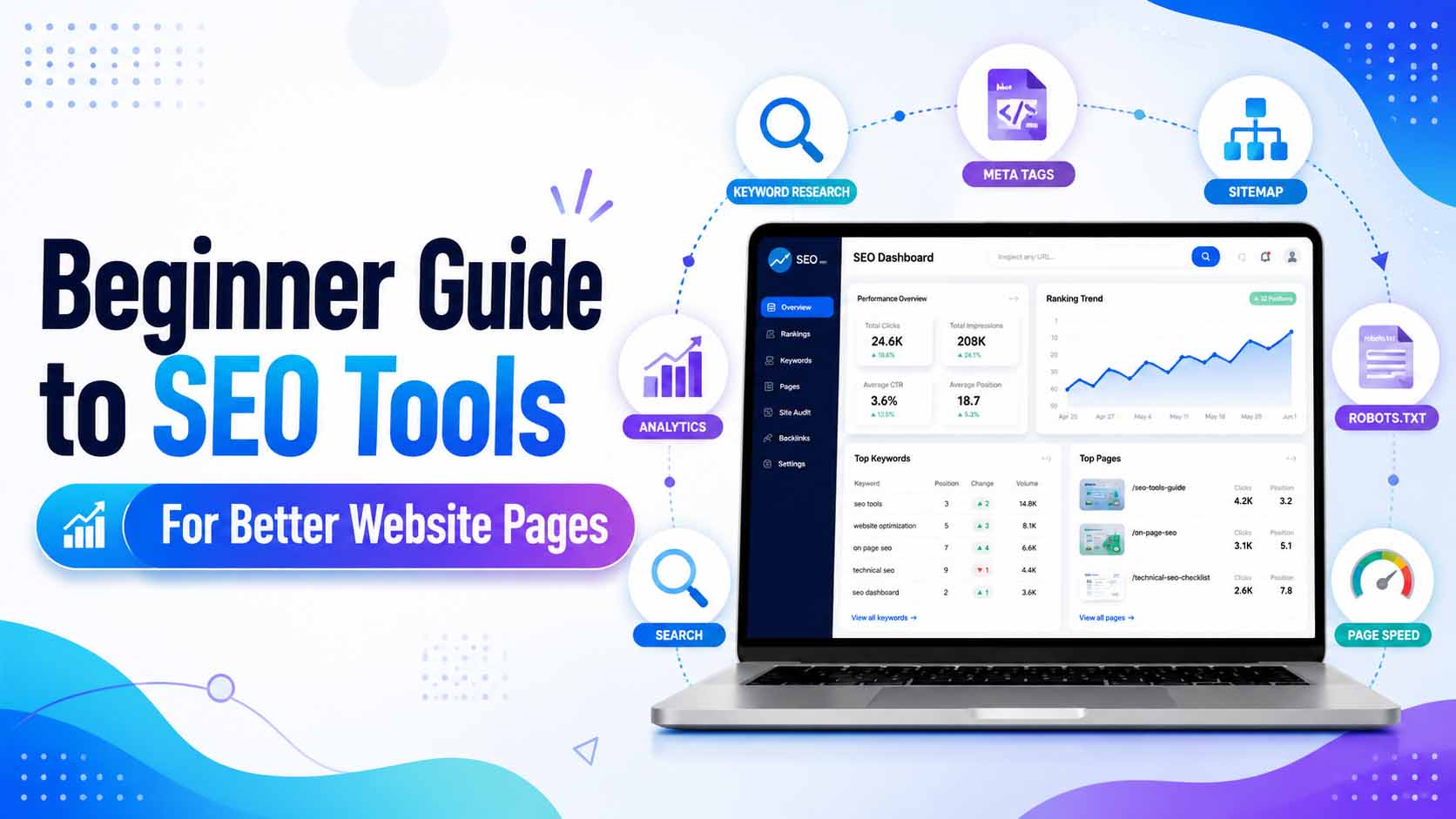
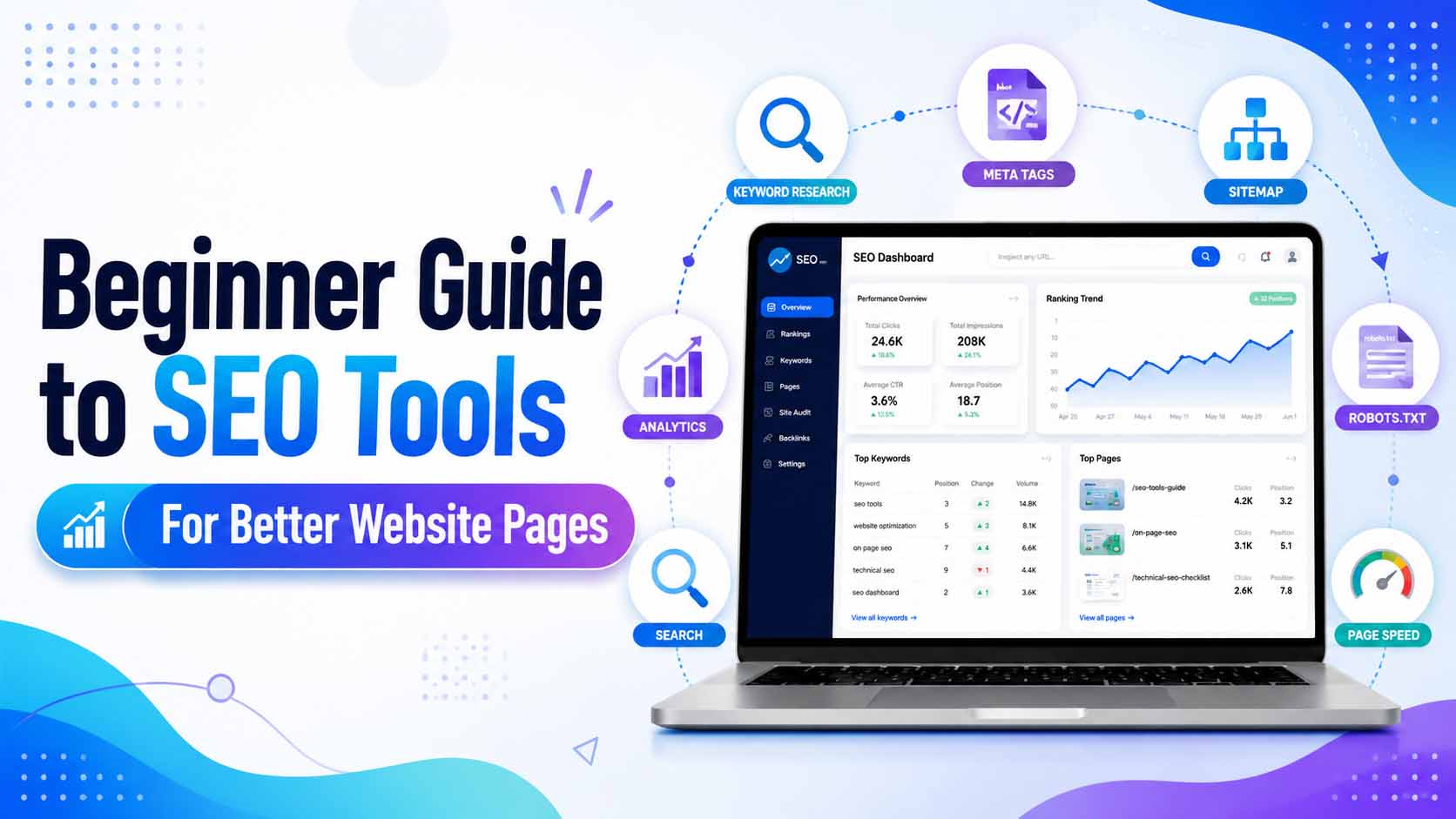
A good meta title should be clear, attractive, and relevant. It should include the main keyword if possible. It should also explain what the page offers. For example, “Beginner Guide to SEO Tools for Better Website Pages” is clear because it tells users exactly what they will learn.
Meta title tools help you create better title ideas and check title length. If your title is too long, search engines may cut it in search results. If it is too short or unclear, users may ignore it. A tool can help you keep the title balanced.
Meta Description Tools
The meta description is a short summary of your page. It appears under the title in search results. While it may not directly guarantee rankings, it can affect click-through rate because users read it before deciding to visit your page.
A good meta description should explain the benefit of your page in a natural way. It should include the main topic and encourage users to click without sounding fake or spammy.
For example, a meta description for this blog post could be: “Learn how beginner-friendly SEO tools can help you improve website pages, write better meta tags, find keywords, and optimize content for search engines.”
Meta description tools help you write summaries that are clear, attractive, and within a suitable length.
Keyword Density Checker
Keyword density means how often a keyword appears in your content. In the past, many people repeated keywords again and again to try to rank higher. Today, that approach can make content look unnatural and low quality.
A keyword density checker helps you see whether you are using a keyword too much or too little. For beginners, this is very helpful because it teaches balance. You should use your main keyword naturally in the title, introduction, headings, and content, but you should not force it into every sentence.
Good SEO content feels natural. It should be written for humans first. Search engines are becoming smarter, and they can understand related words and context. So instead of repeating one keyword too much, use related phrases and helpful explanations.
Word Counter Tool
A word counter may look simple, but it is very useful for SEO and content planning. Different types of pages need different content lengths. A short service page may need only a few hundred words, while a detailed guide may need more than 1,000 words.
A word counter helps you check the length of your article, blog post, product description, or page content. It also helps you stay organized when writing for specific goals.
However, beginners should remember that word count alone does not make a page better. A 2,000-word article with weak information is not better than a 900-word article that fully answers the question. Quality matters more than length. Use word count as a guide, not as the only goal.
Heading and Content Structure Tools
Headings help organize your page. They also make content easier to read. The main title of a page is usually H1. Main sections use H2 headings, and smaller points can use H3 headings.
A well-structured page helps visitors quickly understand the content. It also helps search engines identify important topics on the page.
SEO tools can help you check whether your page has proper headings. Beginners should avoid using headings only for styling. Headings should describe the content. For example, “Why Beginners Need SEO Tools” is a useful heading because it tells readers what the section is about.
Good structure improves user experience. When visitors can easily read and scan your page, they are more likely to stay longer.
Sitemap Generator
A sitemap is a file that lists important pages on your website. It helps search engines discover your content. For new websites, a sitemap can be very helpful because it tells search engines which pages exist.
A sitemap generator creates this file automatically or helps you prepare it easily. Once created, you can submit it to search engines through webmaster tools such as Google Search Console or Bing Webmaster Tools.
Beginners should create a sitemap after launching a website and update it when new pages or posts are added. A sitemap does not guarantee ranking, but it improves the discovery process.
Robots.txt Generator
The robots.txt file tells search engine crawlers which parts of your website they can or cannot access. This file is important because it gives basic crawling instructions.
For example, you may want search engines to crawl your public pages but avoid private admin areas or internal system folders. A robots.txt generator helps beginners create a simple and safe robots.txt file without confusion.
However, beginners should be careful. Blocking important pages by mistake can stop search engines from discovering them. If you are not sure, keep robots.txt simple and avoid blocking public content.
Image SEO Tools
Images make pages more attractive, but they should also be optimized. Large images can slow down a website, and images without alt text may be harder for search engines and accessibility tools to understand.
Image SEO includes using descriptive file names, adding alt text, compressing images, and choosing the right size. For example, instead of uploading an image named “IMG1234.jpg,” a better file name could be “beginner-seo-tools-guide.jpg.”
Alt text should describe the image naturally. It should not be stuffed with keywords. Good image optimization improves user experience and can also help images appear in image search results.
URL and Slug Tools
A page URL should be simple and readable. A good URL helps users and search engines understand the page topic.
For example, this URL is clean:
/beginner-guide-to-seo-tools
This one is not ideal:
/post?id=72892&cat=seo-tools-new-page
A URL encoder/decoder or slug generator can help create clean URLs. Beginners should use short, meaningful slugs that include the main topic. Avoid unnecessary numbers, symbols, or very long URLs.
Open Graph and Social Sharing Tools
When your page is shared on platforms like Facebook, WhatsApp, LinkedIn, or other social networks, Open Graph tags help control how the preview appears. These tags can define the title, description, and image shown when someone shares your link.
A good social preview can attract more clicks. If your page has no proper Open Graph tags, the shared preview may look incomplete or unattractive.
SEO tools that generate or check Open Graph tags are useful for bloggers, creators, and businesses. They help make your content look professional when shared online.
Analytics and Search Engine Tools
SEO is not only about creating pages. It is also about tracking performance. Tools like analytics and search engine webmaster platforms help you understand how people find and use your website.
Analytics tools can show visitor numbers, traffic sources, popular pages, and user behavior. Search engine tools can show search queries, indexing status, clicks, impressions, and technical issues.
Beginners should connect their website to analytics and search engine platforms early. This data helps you learn what is working and what needs improvement.
How to Use SEO Tools Step by Step
A beginner-friendly SEO workflow can be simple. First, choose a topic and find a main keyword. Next, write a clear title and meta description. Then create useful content with proper headings. After writing, check word count and keyword density. Add images with proper file names and alt text. Create a clean URL. Add internal links where useful. Finally, make sure your page is included in your sitemap.
After publishing, submit your sitemap to search engines and monitor performance. SEO takes time, so do not expect instant results. Keep improving pages based on data and user needs.
Common SEO Mistakes Beginners Should Avoid
One common mistake is keyword stuffing. Repeating the same phrase too many times makes content look unnatural. Another mistake is copying content from other websites. Search engines prefer original and helpful content.
Beginners also often ignore meta descriptions, image optimization, internal links, and mobile design. Some people focus only on tools and forget the most important part: useful content.
SEO tools are helpful, but they cannot replace quality. A tool can guide you, but you still need to create content that answers real questions and provides value.
Final Thoughts
SEO tools are important for creating better website pages, especially for beginners. They make optimization easier by helping with keywords, titles, descriptions, content structure, sitemaps, robots.txt files, images, URLs, and performance tracking.
You do not need to become an SEO expert in one day. Start with the basics. Use simple tools, improve one page at a time, and focus on helping your visitors. A well-optimized page is not just made for search engines; it is made for people.
When your website pages are clear, useful, fast, and organized, they have a better chance of performing well. SEO tools give you the support you need to create those better pages with confidence.