
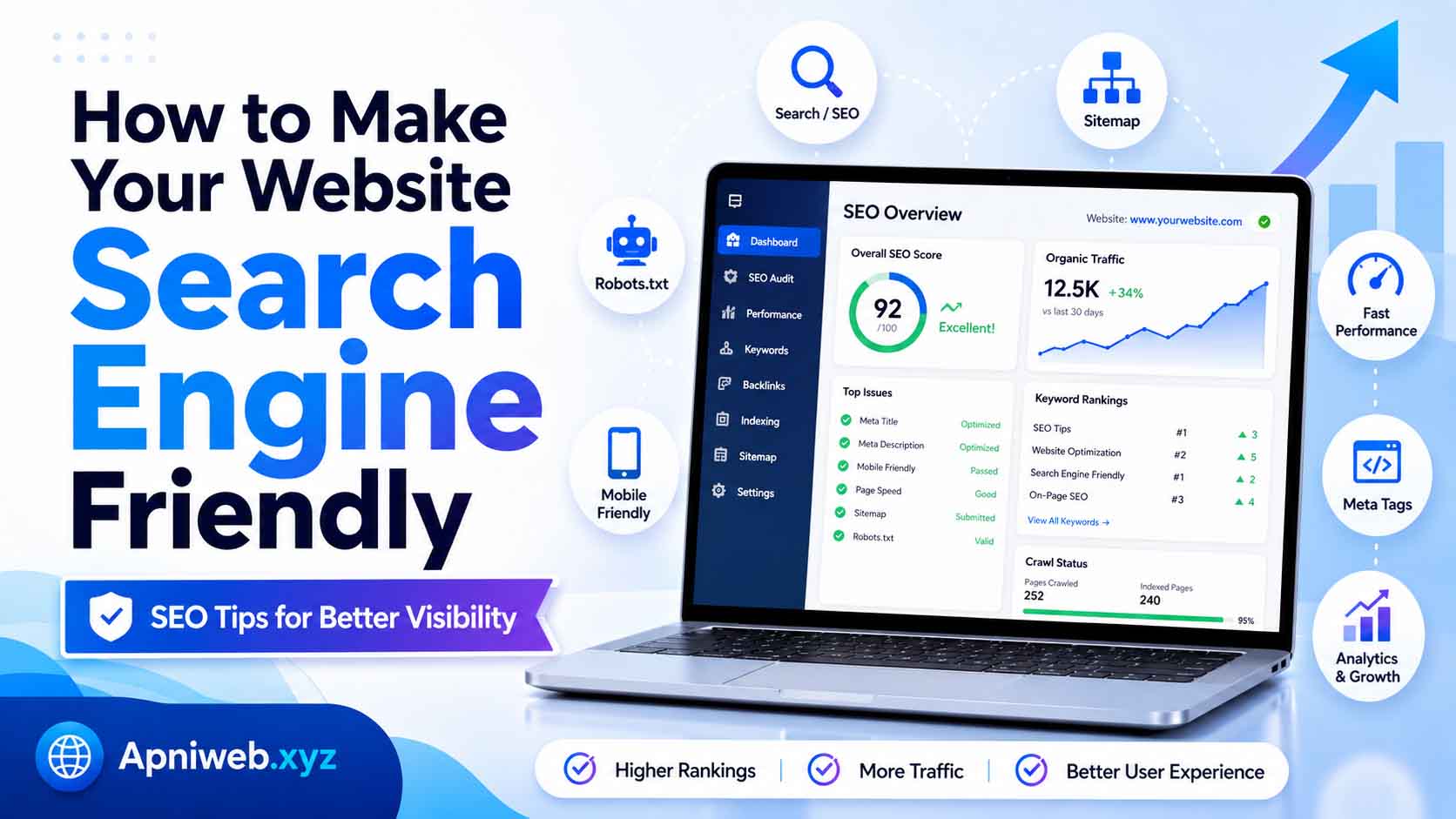
Creating a website is easy today, but making it visible in search engines is a different challenge. Many website owners spend time designing pages, adding content, and publishing posts, but they still do not get enough visitors from Google, Bing, or other search engines. The reason is often simple: the website is not search engine friendly.
A search engine friendly website is a website that search engines can easily crawl, understand, and index. It also provides a good experience for real visitors. Search engines want to show useful, clear, fast, and trustworthy pages to users. If your website is confusing, slow, poorly structured, or missing important SEO elements, it may struggle to appear in search results.
The good news is that making your website search engine friendly does not always require advanced technical knowledge. You can improve your website step by step by focusing on structure, content, speed, mobile design, metadata, internal links, sitemaps, robots.txt, and user experience. With the help of online tools like Apniweb.xyz, website owners, bloggers, creators, and freelancers can manage many SEO tasks more easily.
In this guide, you will learn practical ways to make your website more search engine friendly and improve its chances of getting organic traffic.
How to Make Your Website Search Engine Friendly
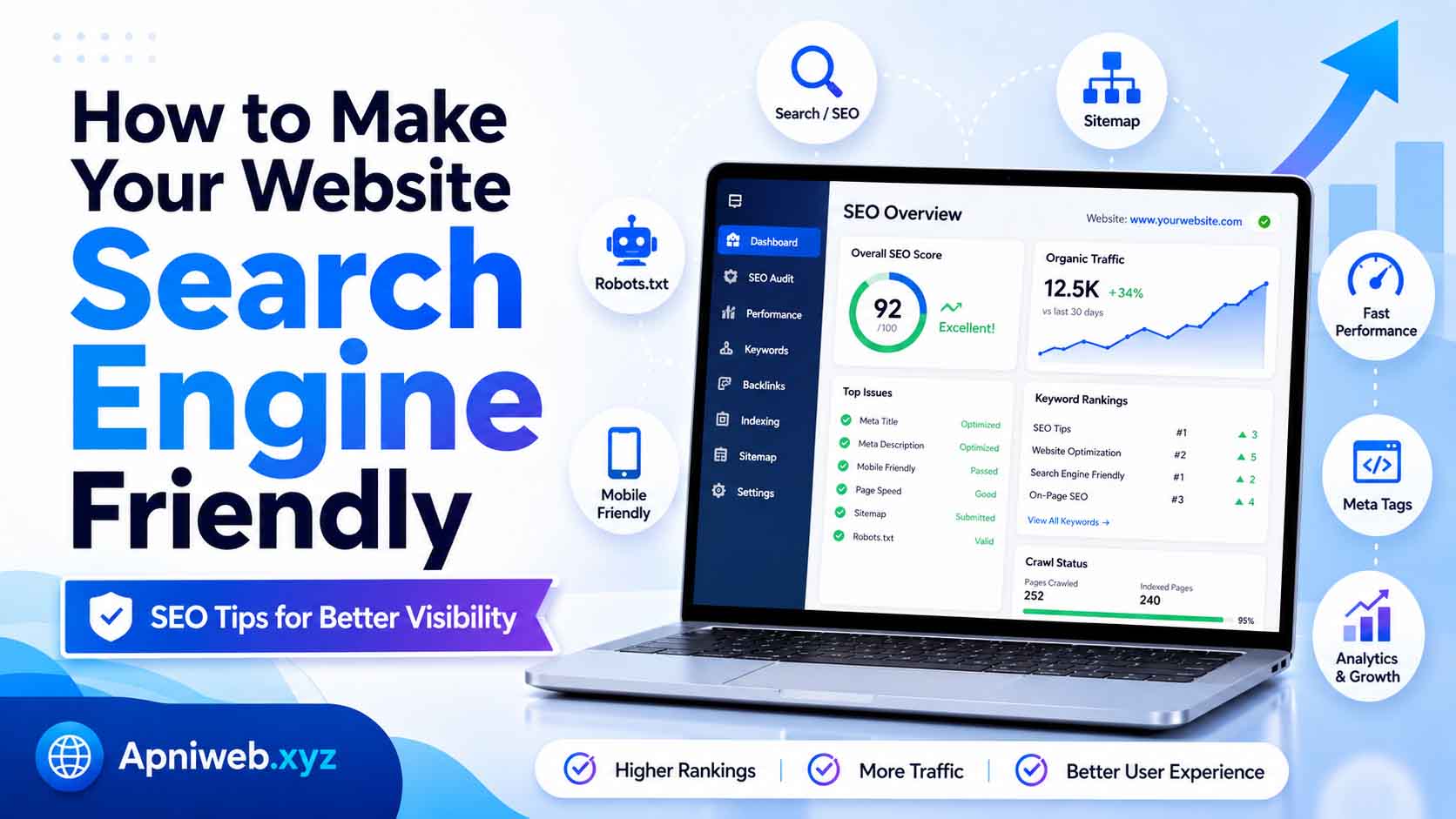
What Does Search Engine Friendly Mean?
A search engine friendly website is built in a way that helps search engines discover and understand its content. Search engines use crawlers, also called bots, to visit websites and scan pages. These crawlers follow links, read content, check metadata, and collect signals that help search engines decide how a page should appear in search results.
If a website is search engine friendly, crawlers can access important pages easily. The content is clear. The headings are organized. The URLs are readable. The pages load quickly. The website works well on mobile devices. The sitemap is available. The robots.txt file is correct. Each page has a proper title and description.
In simple words, a search engine friendly website is easy for both search engines and humans to use.
Start With a Clear Website Structure
Website structure is one of the most important parts of SEO. A well-structured website helps visitors find information quickly and helps search engines understand how your pages are connected.
Your website should have clear main sections such as Home, Tools, Blog, About, Contact, and important categories. If your site has many tools or articles, organize them into useful categories. For example, a tools website like Apniweb.xyz can organize tools into SEO tools, YouTube tools, social media tools, text tools, and website tools.
A clear structure helps users move from one page to another. It also helps search engines discover deeper pages. If a page is hidden and has no internal links, search engines may not find it easily.
Keep your navigation simple. Do not overload the header menu with too many links. Use categories, dropdowns, and internal links in a clean way.
Use Clean and Readable URLs
URLs are important for both users and search engines. A clean URL gives a quick idea of what the page is about. A messy URL with random numbers and symbols can look confusing.
Good URL example:
https://example.com/blog/how-to-make-website-search-engine-friendly
Bad URL example:
https://example.com/page.php?id=7839&cat=12&type=seo
A good URL should be short, meaningful, and connected to the page topic. Use words instead of random characters. Avoid unnecessary numbers, dates, or long strings. If possible, include the main keyword naturally.
For example, if your blog post is about SEO tools, a good URL could be:
/blog/beginner-guide-to-seo-tools
Clean URLs improve user trust and make your website look more professional.
Write Unique Meta Titles
A meta title is the title that appears in search results and browser tabs. It is one of the first things users see before clicking your page. It also helps search engines understand the topic of the page.
Every important page should have a unique meta title. Do not use the same title for all pages. A homepage title, tool page title, blog post title, and category title should all be different.
A good meta title should be clear, specific, and attractive. It should include the main keyword naturally.
Example:
Free Meta Tag Generator for Better Website SEO
This title is clear because it tells users what the page offers. It also includes useful SEO keywords.
Avoid titles that are too long, too short, or stuffed with keywords. A natural title is always better than a spammy title.
Create Strong Meta Descriptions
A meta description is a short summary of your page. It usually appears below the title in search results. While it may not directly guarantee rankings, it can improve click-through rate by encouraging users to visit your page.
A good meta description should explain what the page is about and why it is useful. It should include the main topic naturally and sound helpful.
Example:
Use our free Meta Tag Generator to create SEO-friendly meta titles, descriptions, and keywords for better website page optimization.
This description explains the tool, the benefit, and the SEO purpose.
Each page should have a unique meta description. If you leave it blank, search engines may automatically choose random text from the page, which may not look attractive.
Use Proper Heading Structure
Headings make your content easier to read and easier to understand. Search engines use headings to identify the main sections of a page.
Every page should have one main H1 heading. This is usually the page title. After that, use H2 headings for main sections and H3 headings for smaller sub-sections.
For example:
H1: How to Make Your Website Search Engine Friendly
H2: What Does Search Engine Friendly Mean?
H2: Use Clean and Readable URLs
H3: Good URL Examples
Do not use headings only for design. Headings should describe the content. A clear heading structure improves readability and helps search engines understand the topic.
Publish Helpful and Original Content
Content is the heart of SEO. A search engine friendly website needs useful, original, and well-written content. If your content does not help users, other SEO improvements may not be enough.
Your content should answer real questions. It should solve problems, explain topics clearly, and provide value. Avoid copying content from other websites. Search engines prefer original content that adds something useful.
For blog posts, write complete guides with examples, tips, and clear explanations. For tool pages, do not only show the tool. Add a description, how-to-use section, benefits, FAQs, and related tools. This makes the page more useful and SEO-friendly.
For example, a Robots.txt Generator page should explain what robots.txt is, how to use the tool, what rules mean, and common mistakes to avoid.
Use Keywords Naturally
Keywords help search engines understand what your page is about. But keyword usage must be natural. Do not repeat the same keyword again and again just to increase ranking.
Choose one main keyword for each page and use it in important places such as the title, introduction, headings, meta description, and body content. Also use related keywords naturally.
For example, if your main keyword is “search engine friendly website,” related terms may include:
website SEO, on-page SEO, search engine optimization, SEO-friendly pages, website structure, meta tags, sitemap, robots.txt
Using related terms makes your content more natural and complete. Tools like the Keyword Density Checker on Apniweb.xyz can help you check whether your keyword usage is balanced.
Improve Website Speed
Website speed is important for user experience and SEO. If your website takes too long to load, visitors may leave before reading anything. Search engines also prefer websites that provide a smooth experience.
To improve website speed:
Compress images before uploading.
Use lightweight design elements.
Remove unnecessary scripts.
Use browser caching where possible.
Avoid too many heavy animations.
Choose reliable hosting.
Minify CSS and JavaScript files.
A fast website keeps users engaged and improves the overall quality of your site. For a tools website, speed is even more important because users want quick results.
Make Your Website Mobile Friendly
Many users browse websites on mobile phones. If your website does not work properly on mobile, you may lose visitors and search visibility.
A mobile-friendly website adjusts to different screen sizes. Text should be readable. Buttons should be easy to tap. Menus should work smoothly. Forms should be simple to use. Images should fit the screen properly.
Before publishing a page, test it on mobile. Check the header, footer, forms, tool boxes, blog posts, and images. A website should look professional on desktop, tablet, and mobile.
Mobile-friendly design is no longer optional. It is necessary for modern SEO.
Create and Submit an XML Sitemap
An XML sitemap is a file that lists important pages on your website. It helps search engines discover your URLs more easily.
Your sitemap usually appears at:
https://yourdomain.com/sitemap.xml
A sitemap is especially useful for new websites, large websites, blogs, and tools websites. It helps search engines find pages that may not be discovered quickly through normal links.
For a site like Apniweb.xyz, the sitemap should include the homepage, tools page, tool categories, individual tools, blog posts, and important pages.
You can use a Sitemap XML Generator to create a sitemap, then submit it to Google Search Console and Bing Webmaster Tools.
Create a Proper Robots.txt File
A robots.txt file gives crawling instructions to search engine bots. It tells them which areas they can crawl and which areas they should avoid.
A basic robots.txt file may look like this:
User-agent: *
Allow: /
Sitemap: https://yourdomain.com/sitemap.xml
You can also block private areas like admin dashboards or internal folders:
User-agent: *
Disallow: /admin/
Disallow: /private/
Allow: /

Sitemap: https://yourdomain.com/sitemap.xml
Be careful with robots.txt. If you block important pages by mistake, search engines may not crawl them. Tools like Apniweb.xyz Robots.txt Generator can help create a cleaner file.
Add Internal Links
Internal links connect one page of your website to another page. They help users discover more content and help search engines understand your site structure.
For example, a blog post about SEO tools can link to:
Meta Tag Generator
Keyword Density Checker
Sitemap XML Generator
Robots.txt Generator
Open Graph Checker
Internal links keep users on your site longer and help important pages get more attention. Use natural anchor text. Do not add links randomly. Link only when it helps the reader.
Optimize Images
Images make your website attractive, but they should be optimized. Large images can slow down your site, and images without alt text may not be understood properly by search engines.
Use descriptive image file names. For example:
seo-friendly-website-guide.png
is better than:
IMG_8392.png
Add alt text that describes the image naturally. For example:
SEO-friendly website structure with sitemap and meta tags
Do not stuff keywords into alt text. Keep it simple and descriptive.
Use Open Graph Tags for Social Sharing
Open Graph tags control how your page appears when shared on social media. A good social preview can increase clicks from platforms like Facebook, LinkedIn, WhatsApp, and other sharing apps.
Your page should have:
Open Graph title
Open Graph description
Open Graph image
Canonical URL
Twitter card tags
If your shared link looks professional, users are more likely to click it. This is important for blog posts, tool pages, and landing pages.
Fix Broken Links
Broken links create a poor user experience. If users click a link and see a 404 error, they may leave your site. Search engines may also see too many broken links as a sign of poor maintenance.
Check your website regularly for broken internal and external links. Update or remove links that no longer work. If you delete a page, redirect it to a relevant page when possible.
A clean website is easier for users and search engines to trust.
Add Search Engine Verification
To manage SEO properly, connect your website to webmaster tools. Google Search Console and Bing Webmaster Tools help you monitor indexing, sitemap status, search queries, clicks, impressions, and errors.
After verifying your website, submit your sitemap. Check for crawl errors and indexing issues. Monitor which pages are performing well and which need improvement.
Search engine tools help you make decisions based on real data instead of guessing.
Track Visitors With Analytics
Analytics helps you understand how people use your website. You can see which pages get traffic, where visitors come from, how long they stay, and which content performs best.
Google Analytics or similar tools can help you track user behavior. This information is useful for improving content, navigation, and marketing strategy.
If a blog post gets high traffic, create more content around that topic. If a page gets visitors but poor engagement, improve its content or design.
Keep Your Website Updated
A search engine friendly website should not be abandoned. Update old content, fix outdated information, improve pages, add new blog posts, and keep tools working properly.
Search engines and users both prefer websites that are active and useful. If your site has old pages with outdated information, update them. If a tool page has thin content, expand it with helpful guides and FAQs.
Regular updates show that your website is alive and maintained.
Improve User Experience
SEO is not only about search engines. It is also about people. A website with good user experience keeps visitors engaged.
Make sure your website has:
Clear navigation
Fast loading pages
Readable fonts
Clean layout
Mobile-friendly design
Helpful content
Working forms
Professional footer
Easy tool access
Minimal distractions
If users enjoy your website, they are more likely to return, share pages, and explore more content.
Use Apniweb.xyz Tools for Website SEO
Apniweb.xyz provides useful online tools that can help website owners, bloggers, creators, and freelancers improve their websites. You can use tools like Meta Tag Generator, Keyword Density Checker, Sitemap XML Generator, Robots.txt Generator, Word Counter, Open Graph Checker, QR Code Generator, and more.
These tools can help you prepare better pages before publishing. For example, you can write your content, check word count, review keyword density, create meta tags, generate a sitemap, and prepare robots.txt using one platform.
Using online tools saves time and helps beginners follow important SEO steps more confidently.
Common Mistakes to Avoid
Many website owners make simple SEO mistakes. They publish pages without meta titles, use duplicate descriptions, ignore mobile design, upload large images, forget sitemaps, or block important pages in robots.txt.
Another mistake is focusing only on search engines and ignoring users. If your content is not helpful, SEO tricks will not create long-term success.
Avoid copying content from other websites. Avoid keyword stuffing. Avoid broken links. Avoid confusing navigation. Keep your website clean, useful, and trustworthy.
Final Thoughts
Making your website search engine friendly is not about one single trick. It is a combination of good structure, helpful content, clean URLs, proper meta tags, fast loading speed, mobile-friendly design, sitemaps, robots.txt, internal links, image optimization, and user experience.
You do not need to fix everything in one day. Start with the basics. Make sure your important pages are accessible. Add unique titles and descriptions. Create a sitemap. Set up robots.txt. Improve speed. Publish helpful content. Connect your site to search engine tools. Keep improving over time.
A search engine friendly website helps search engines understand your content and helps users enjoy your pages. When both search engines and visitors can easily use your site, your chances of growth become stronger.
With helpful tools from Apniweb.xyz, you can manage many SEO tasks faster and build a better website step by step. Focus on quality, clarity, and consistency, and your website will be much better prepared for search visibility.