
When you create a website, your goal is not only to design beautiful pages or publish useful content. You also want search engines to discover your website, understand your pages, and show them to the right audience. But search engines do not automatically understand every page on your site the moment you publish it. They need to crawl your website, find your URLs, and decide which pages should be indexed.
One important file that helps search engines discover your website pages is called an XML sitemap.
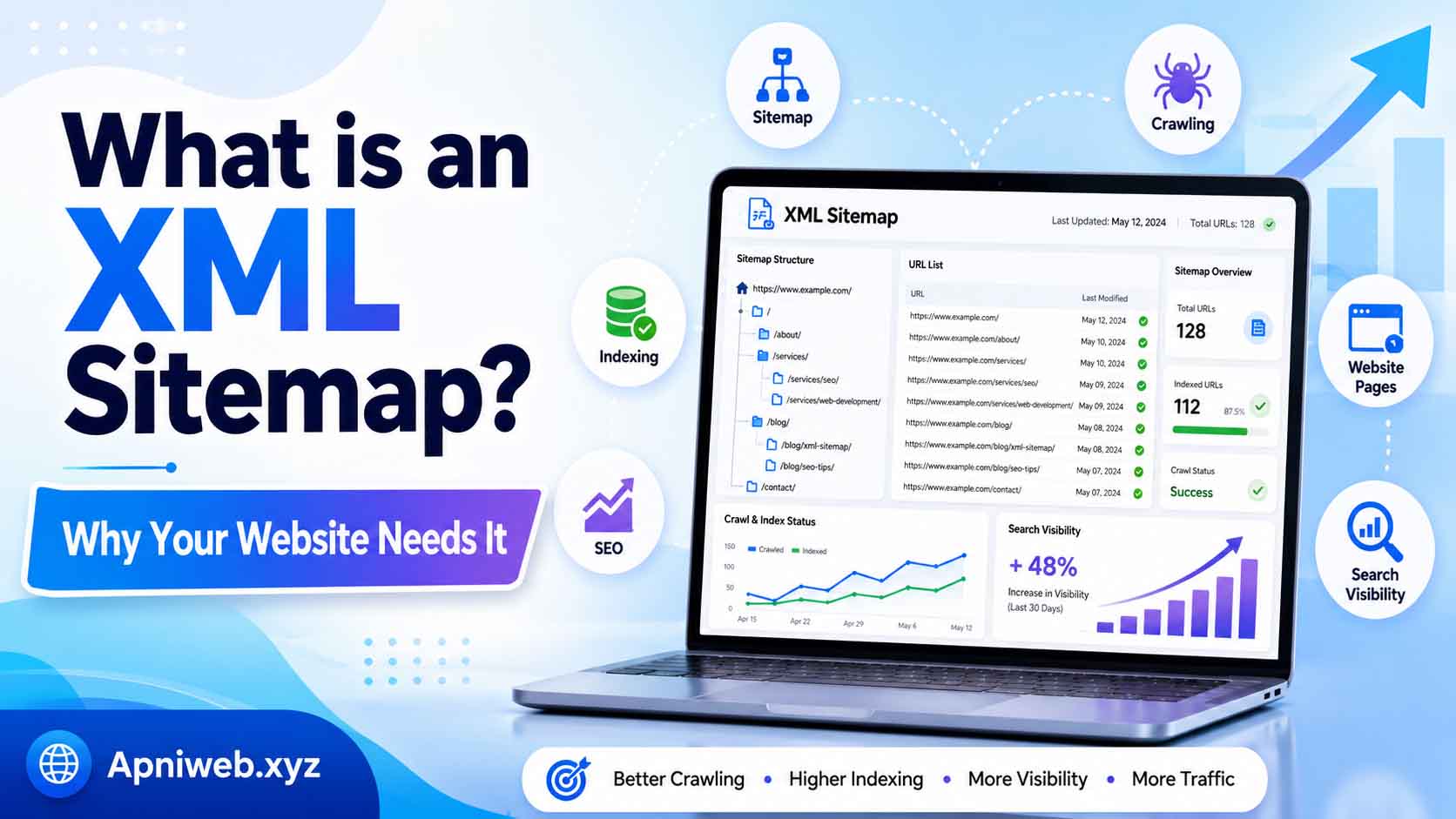
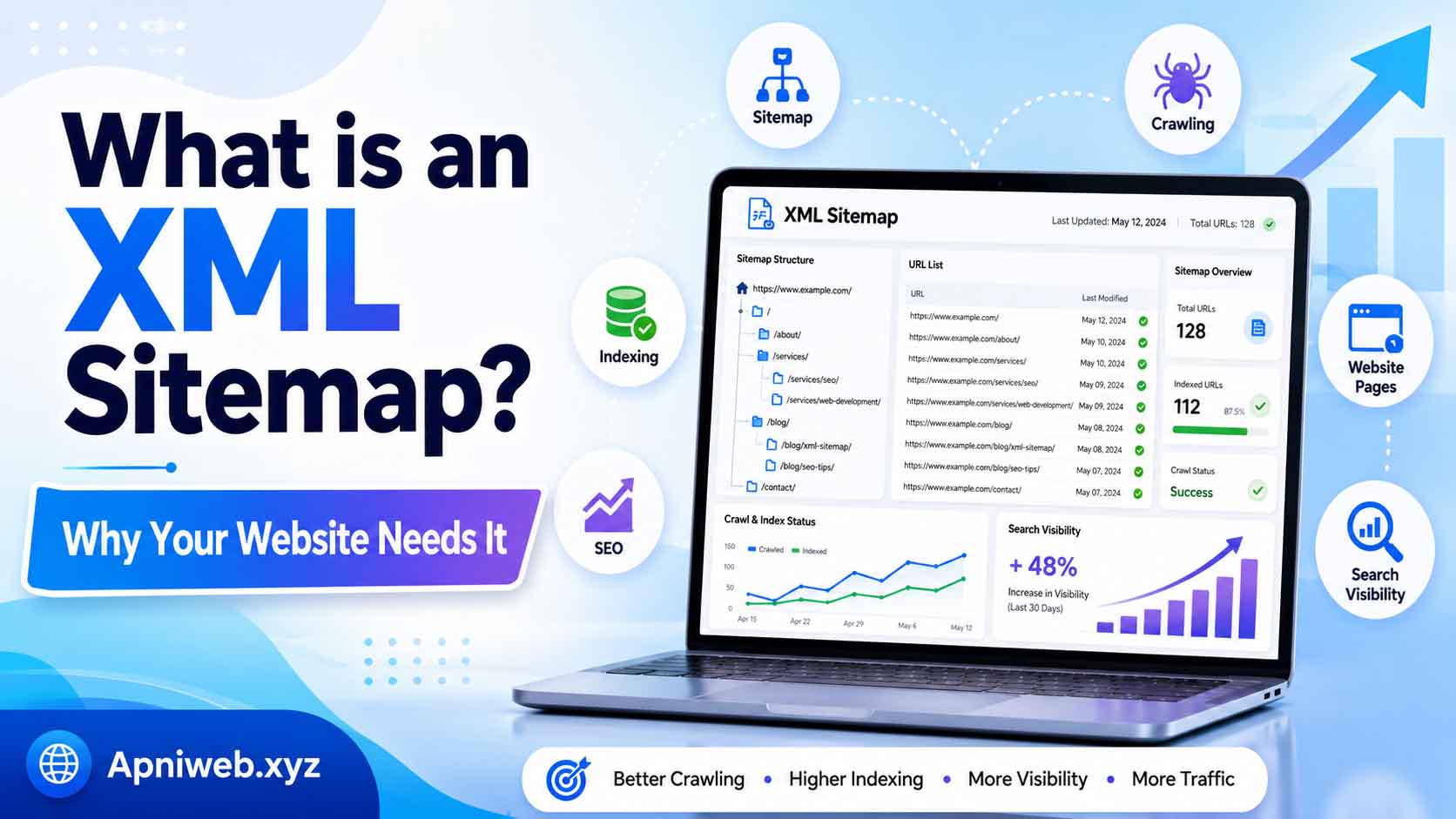
An XML sitemap is like a roadmap for search engines. It lists the important URLs of your website and helps search engine bots understand which pages, posts, tools, categories, or other sections should be discovered. If your website has many pages, blog posts, tools, or updates, an XML sitemap becomes even more useful.
Many beginners hear the word “sitemap” and think it is something very technical. In reality, the idea is simple. A sitemap tells search engines, “Here are the important pages on my website.” It does not guarantee ranking, but it supports better crawling and discovery. For website owners, bloggers, creators, businesses, and online tools platforms like Apniweb.xyz, having a sitemap is an important part of a professional SEO setup.
What is an XML Sitemap and Why Your Website Needs It
What is an XML Sitemap?
An XML sitemap is a file that contains a list of important URLs on your website. It is written in XML format, which is a structured format that search engines can read easily. The sitemap usually includes links to pages, blog posts, tool pages, categories, and other public content that you want search engines to discover.
A typical sitemap URL looks like this:
https://example.com/sitemap.xml
Inside the file, search engines may find URLs like:
https://example.com/
https://example.com/blog
https://example.com/tools
https://example.com/contact
https://example.com/blog/what-is-seo
The sitemap may also include extra information such as when a page was last updated. This can help search engines understand your website structure more clearly.
In simple words, an XML sitemap is a search-engine-friendly list of your website’s important pages.
Why XML Sitemaps Matter
XML sitemaps matter because they help search engines discover pages more efficiently. A search engine crawler can find pages by following links on your website, but sometimes important pages may be hard to reach. For example, a new blog post may not have many internal links yet. A tool page may be buried deep inside a category. A newly launched website may not have many backlinks. In these cases, a sitemap helps search engines find those pages faster.
A sitemap is especially helpful when:
Your website is new and has few backlinks.
Your website has many pages or blog posts.
Your internal linking is not perfect.
You update content regularly.
You have tool pages, category pages, or special landing pages.
Some pages are not easily discovered from the homepage.
A sitemap gives search engines a clear list of URLs to crawl. This makes your website easier to understand.
XML Sitemap and SEO
An XML sitemap is part of technical SEO. It does not directly push your website to the top of search results, but it helps with discovery and crawl efficiency. SEO is not only about keywords and backlinks. It also includes making your website easy for search engines to access and understand.
If search engines cannot find your pages, those pages cannot appear in search results. A sitemap helps reduce that problem. It tells search engines which pages exist and which ones are important enough to be included.
For example, if you publish a new article on your website, adding it to your sitemap can help search engines discover it more easily. If you submit the sitemap to Google Search Console or Bing Webmaster Tools, search engines can use it as a guide.
However, remember that a sitemap does not guarantee indexing. Search engines may still choose not to index a page if the content is low quality, duplicate, blocked, or not useful. A sitemap helps discovery, but page quality still matters.
Difference Between XML Sitemap and HTML Sitemap
Many beginners confuse XML sitemaps and HTML sitemaps. Both are sitemaps, but they serve different purposes.
An XML sitemap is mainly created for search engines. It is written in a format that crawlers can read. Normal visitors usually do not need to view it.
An HTML sitemap is created for human visitors. It is a webpage that lists important pages of your website in a readable format. It helps users navigate your site.
For example:
XML sitemap:
https://example.com/sitemap.xml
HTML sitemap:
https://example.com/sitemap
Both can be useful. The XML sitemap helps search engines, while the HTML sitemap helps visitors. For SEO, the XML sitemap is more important, but a user-friendly HTML sitemap can also improve navigation.
What Should Be Included in an XML Sitemap?
Your sitemap should include pages that are important, public, and valuable. These are the pages you want search engines to crawl and index.
Good pages to include:
Homepage
Important static pages
Blog posts
Tool pages
Category pages
Guide pages
Landing pages
Public resources
For a site like Apniweb.xyz, the sitemap should include the homepage, tools page, tool category pages, individual tool pages, blog posts, and important information pages. This helps search engines discover all useful areas of the website.
You should avoid adding pages that are private, duplicate, low-quality, or blocked by robots.txt. A sitemap should not be a list of everything. It should be a clean list of pages that matter.
What Should Not Be Included in a Sitemap?
Not every URL belongs in a sitemap. Adding unnecessary URLs can make your sitemap messy and less useful.
Avoid including:
Admin dashboard pages
Login pages
Private user pages
Draft posts
Search result pages
Duplicate URLs
Broken pages
Redirected URLs
Noindex pages
Temporary test pages
Empty category pages
Low-quality pages
For example, if your website has an admin panel or private dashboard, it should not be included in the sitemap. Search engines do not need to discover those pages.
A sitemap should focus on important public content only.
How Search Engines Use XML Sitemaps
Search engines use sitemaps as a discovery tool. When you submit a sitemap, search engines can read the file and find URLs listed inside it. They may then crawl those URLs and decide whether to index them.
The sitemap can also show update signals. If a page was updated recently, the sitemap may include a last modified date. This can help search engines know that the page has changed.
However, search engines do not blindly index everything in a sitemap. They still evaluate each page. They check content quality, duplicate content, canonical tags, robots.txt rules, noindex tags, internal linking, page performance, and other factors.
Think of a sitemap as an invitation, not a guarantee. You are inviting search engines to discover your important pages.
Why New Websites Need XML Sitemaps
New websites need sitemaps because they usually have fewer backlinks and less authority. Search engines may not discover all pages quickly unless there is a clear structure.
If you launch a new website and submit your sitemap, search engines can find your pages more easily. This is especially helpful when you publish multiple blog posts, tool pages, or service pages at the beginning.
For example, a new online tools website may have many useful tools but very few external links. A sitemap helps search engines find those tool pages even before the site becomes popular.
If you are launching Apniweb.xyz or any similar platform, creating and submitting a sitemap should be one of the first SEO steps.
Why Large Websites Need XML Sitemaps
Large websites also need sitemaps because they may have hundreds or thousands of URLs. Without a sitemap, some pages may be difficult for crawlers to find, especially if the internal linking structure is complex.
Large blogs, e-commerce websites, news websites, and tools websites can benefit from organized sitemaps. Sometimes large websites use multiple sitemap files, such as:
Blog sitemap
Page sitemap
Product sitemap
Category sitemap
Image sitemap
Video sitemap
These sitemap files can also be grouped inside a sitemap index file. This makes the structure easier for search engines to process.
XML Sitemap and Internal Linking
A sitemap helps search engines discover pages, but it should not replace internal linking. Internal links are links from one page of your website to another page. They help users and search engines navigate your site naturally.
For example, if you write a blog post about SEO tools, you can link to your Meta Tag Generator, Keyword Density Checker, Sitemap Generator, and Robots.txt Generator. These internal links help visitors find useful tools and help search engines understand the relationship between pages.
A sitemap is a backup discovery system. Internal linking is part of the main website experience. For best results, use both.
XML Sitemap and Robots.txt
XML sitemap and robots.txt work together. Robots.txt tells crawlers which areas they can or cannot crawl. A sitemap tells crawlers which important URLs exist.
You can add your sitemap URL inside robots.txt like this:
Sitemap: https://example.com/sitemap.xml
This helps search engines find your sitemap easily. Many professional websites include the sitemap link inside their robots.txt file.
However, make sure your robots.txt file does not block pages listed in your sitemap. If you tell search engines to crawl a URL in your sitemap but block it in robots.txt, that creates confusion.
How to Create an XML Sitemap
There are different ways to create a sitemap. Some websites generate sitemaps automatically. Some content management systems have SEO plugins. Some website owners create sitemaps using online tools.
A simple way is to use an online sitemap generator. For example, Apniweb.xyz can provide a Sitemap XML Generator that helps website owners create sitemap files quickly. This is useful for beginners who do not want to write XML manually.
To create a sitemap, you usually need to:
Enter your website URL.
Generate the sitemap.
Review the listed URLs.
Download or copy the sitemap file.
Upload it to your website root folder.
Submit it to search engines.
The sitemap should be accessible at:
https://yourdomain.com/sitemap.xml
How to Submit a Sitemap to Search Engines
After creating your sitemap, you should submit it to search engine webmaster tools.
For Google, you can use Google Search Console. Add your website property, verify ownership, and submit the sitemap URL in the Sitemaps section.
For Bing, you can use Bing Webmaster Tools. It also allows you to submit your sitemap and monitor indexing.
Submitting a sitemap helps search engines discover your URLs faster. It also gives you useful information about sitemap status, discovered URLs, indexing issues, and errors.
Common XML Sitemap Mistakes
One common mistake is adding broken links to the sitemap. If a URL returns a 404 error, it should not be in your sitemap.
Another mistake is including redirected URLs. Your sitemap should include final destination URLs, not old URLs that redirect elsewhere.
Some website owners include noindex pages in the sitemap. This is confusing because the sitemap says, “Please discover this page,” while the noindex tag says, “Do not index this page.”
Another mistake is forgetting to update the sitemap after publishing new content. If your website does not update the sitemap automatically, new pages may be missing.
Some beginners also submit the wrong sitemap URL or place the sitemap in the wrong folder. Always test the sitemap in your browser before submitting it.
XML Sitemap Best Practices
A good sitemap should be clean, updated, and focused on important URLs. Make sure every URL in your sitemap is live, public, indexable, and useful.
Use your correct domain format. If your site uses HTTPS, your sitemap should include HTTPS URLs. If your preferred version is with or without “www,” keep it consistent.
Do not include duplicate versions of the same page. Use canonical URLs only.
Update your sitemap when you add, delete, or change important pages.
Add the sitemap to robots.txt.
Submit the sitemap to Google Search Console and Bing Webmaster Tools.
Review sitemap errors regularly.
How Apniweb.xyz Helps With Sitemaps
Apniweb.xyz is designed to help creators, bloggers, website owners, freelancers, and marketers complete important digital tasks quickly. A Sitemap XML Generator is one of the most useful tools for website owners because it helps create a search-engine-friendly sitemap without confusion.
Along with the Sitemap XML Generator, Apniweb.xyz also offers tools like Robots.txt Generator, Meta Tag Generator, Keyword Density Checker, Word Counter, Open Graph Checker, and more. These tools work together to support better website optimization.
For example, a website owner can create meta tags for pages, check keyword usage, generate a robots.txt file, create a sitemap, and make pages more SEO-friendly using one platform. This saves time and makes the website publishing process more professional.
Does a Sitemap Improve Ranking?
A sitemap does not directly guarantee higher rankings. It does not automatically make your content better or more authoritative. However, it supports SEO by helping search engines discover your pages.
If search engines find your pages faster, your content has a better chance to be crawled and considered for indexing. This is especially important for new websites, large websites, and websites with many pages.
Ranking still depends on content quality, user experience, backlinks, relevance, page speed, mobile usability, and many other factors. A sitemap is one important part of the larger SEO system.
Final Checklist for XML Sitemap
Before publishing your sitemap, check these points:
Your sitemap opens correctly at /sitemap.xml.
It includes only important public URLs.
It does not include admin or private pages.
It does not include broken or redirected URLs.
It uses the correct domain format.
It includes HTTPS URLs if your site uses HTTPS.
It is updated when new pages are added.
It is mentioned in robots.txt.
It is submitted to Google Search Console.
It is submitted to Bing Webmaster Tools.
This checklist helps keep your sitemap clean and useful.
Final Thoughts
An XML sitemap is one of the simplest and most important technical SEO files for a website. It helps search engines discover your important pages, understand your website structure, and crawl your content more efficiently. While it does not guarantee ranking, it supports better visibility by making your pages easier to find.
Every serious website should have a sitemap, especially if it has blog posts, tools, categories, service pages, or regular updates. For creators and website owners, a sitemap is part of building a professional online presence.
If you want an easy way to create a sitemap, tools like the Sitemap XML Generator on Apniweb.xyz can help you prepare one quickly. When combined with robots.txt, meta tags, keyword optimization, and good internal linking, your sitemap becomes part of a strong SEO foundation.
A website without a sitemap can still work, but a website with a clean sitemap is easier for search engines to understand. If you want your pages to be discovered properly, creating and maintaining an XML sitemap is a smart step.